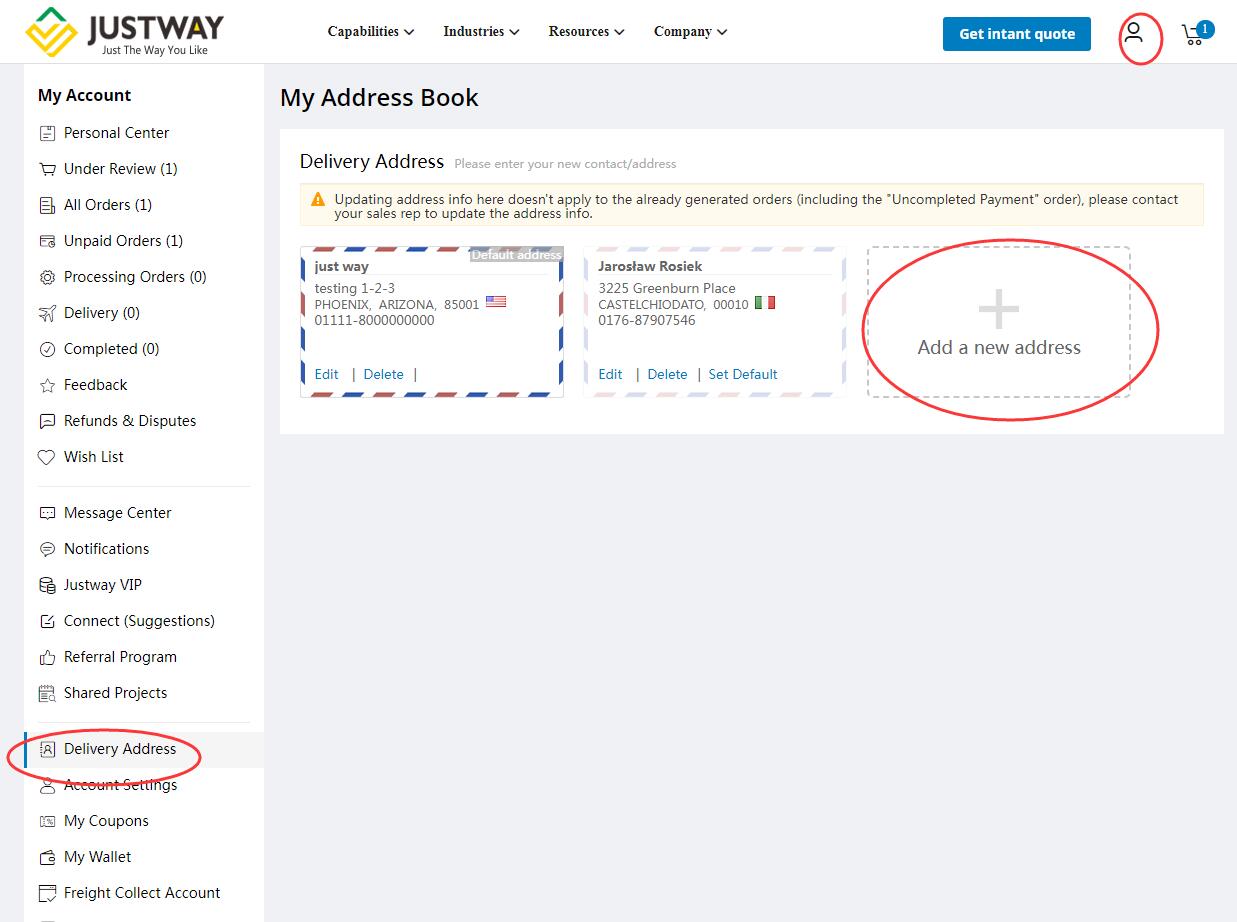
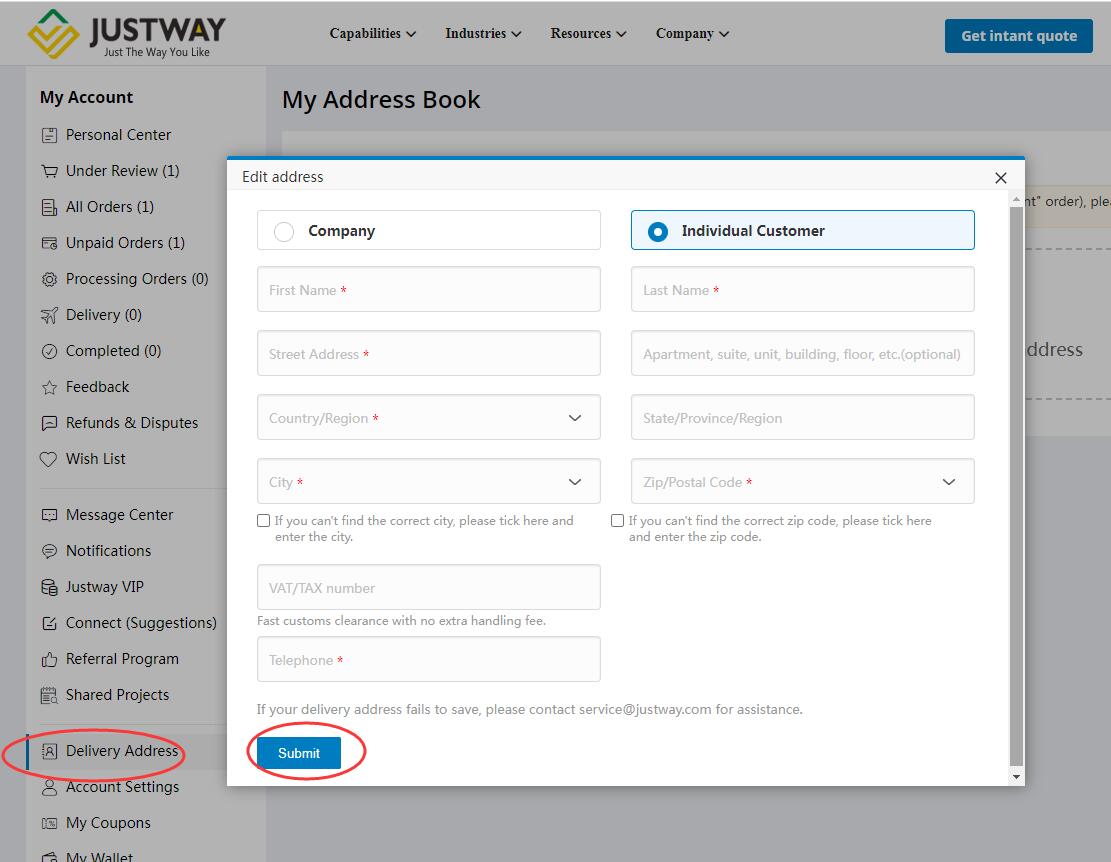
- Capabilities
-
Industries
-
 Consumer electronics HOTFrom prototype to production to homes around the world
 -
 Automotive HOTDrive product development and speed up innovation
 -
 Medical NEWAccelerating new product introduction for the medical industry
 -
 Robotics NEWAccelerating new product introduction for the robotics industry
 -
 Aerospace NEWGo from development to launch faster
 -
 Industrial machineryPower your machines with cutting-edge technologies
-
- Resources
-
Company